Editorial analysis
Name the humans on the control surface
A safe operator profile has at least three named functions, even if two people cover them: performance operator, broadcast producer and chat moderator. The performer keeps the show moving. The producer controls what leaves the encoder. The moderator manages audience input. One person must have final authority to cut output, and everyone must know the phrase that triggers it.
Do not make the virtual character the escalation interface. If the model or puppeteer says something unsafe, the team should not ask it to decide whether to stop. Human authority sits outside the performance loop.
Source record
Use the controls the platforms expose
YouTube documents assigning moderators, holding potentially inappropriate chat, blocked words, slow mode, restricted participant modes and turning live chat off during a stream. It also says automated moderation is imperfect and leaves show-or-hide decisions with authorized humans. Configure those controls before the audience arrives.
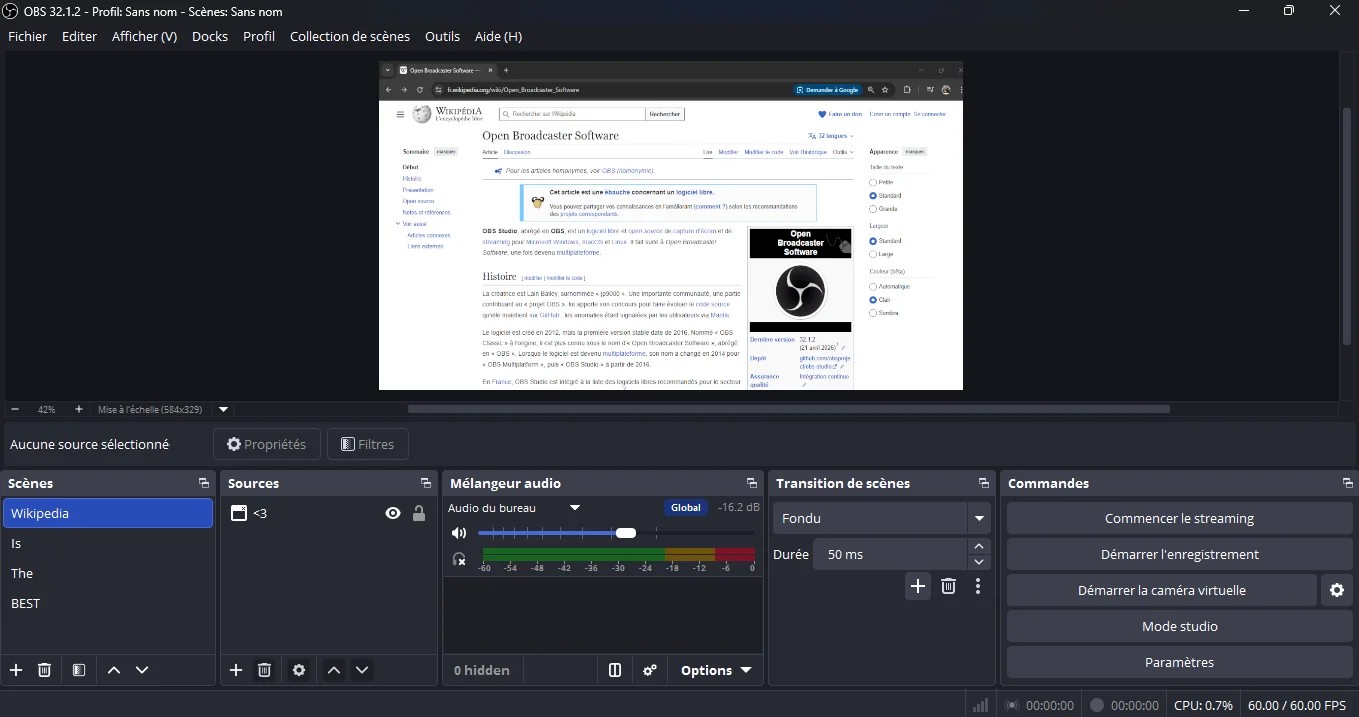
OBS documents confirmation prompts, recording options, push-to-mute, hotkeys for stopping streams and switching scenes, stream delay, automatic reconnect and Studio Mode. Its guide strongly recommends testing before a first stream. These controls make an emergency plan possible; they do not choose the plan or guarantee that every platform buffer stops instantly.
Evidence: YouTube Help [s1] · OBS Project [s2]
Practical application
Build a four-level response ladder
Level one is a private operator cue: steer away, slow down or ignore a prompt. Level two mutes the character and cuts to a holding scene while the host or producer explains a technical pause. Level three disables audience input or ends the stream. Level four preserves logs and recordings, alerts the responsible editor and begins the documented correction or incident process.
Write examples beside each level. Repeated spam goes to moderation tools. An unverified medical instruction from an automated character triggers the holding scene and human review. Exposure of a private screen triggers immediate cut and credential response. The ladder should be shorter than the debate it replaces.
Practical application
Rehearse failure, not only the show
Run an unlisted or local rehearsal with five injected failures: lost tracking, stuck mouth, abusive chat, prohibited prompt and accidental private-window capture. The producer must mute, change scene, stop and restart without verbal coaching. The moderator must locate the correct user and chat control. Time each response, but do not publish the times as a product benchmark.
Worked example: the avatar repeats a viewer's slur while reading chat aloud. The performer stops reading; the producer mutes and cuts to the break scene; the moderator hides the message and user; the editor marks the archive for review before replay remains available. The team later changes the input rule so unreviewed chat is never voiced verbatim.
Practical application
Close the loop after every stream
Archive the run sheet, operator assignments, moderation actions, public corrections and version identifiers. Review the first failure or near miss, not only audience peaks. If a control moved after a software update, update the laminated or on-screen quick card before the next rehearsal.
The go-live gate is concrete: two humans can independently stop output, a holding scene contains no unreviewed feed, chat restrictions are confirmed, local recording is intentional, and a reviewer owns the replay decision. A lively character is valuable; ambiguous control is not.
Source ledger
What this rests on.
- Moderate live chat ↗
YouTube Help · Primary source
Source publication: Not stated by source · Reviewed: 19 September 2026
Documents moderators, blocked words, held messages, slow mode, participant restrictions and the ability to disable chat during a stream.
- OBS Studio Overview Guide ↗
OBS Project · Primary source
Source publication: Not stated by source · Reviewed: 19 September 2026
Documents confirmation options, recording, push-to-mute, stream hotkeys, delay, reconnect, scenes, Studio Mode and pre-stream testing.